Projects, Paths & Collections
Use a project for one robot/team configuration, a path for one runtime movement file, and a collection to group related paths in the editor.
The hierarchy
Project
├── shared config
├── linked elements
├── Collection: Center Autos
│   ├── leave-start
│   └── collect-center
├── Collection: Source-Side Autos
│   ├── leave-start
│   └── collect-source
└── All Paths (permanent view)
A path can belong to multiple collections. Collections are filters, not filesystem folders; deleting a collection can keep its paths in All Paths.
Create or open a project
The Project menu adapts to the environment.
- New Project creates a browser-persisted workspace.
- Open Project… opens another saved browser workspace.
- Delete Projects… removes selected browser workspaces.
- Import/export actions move data across the browser boundary.
- Open Project Folder… selects an existing repository or
autosfolder. - Create Project Folder… creates a folder-backed project.
- Recent folders reopen direct storage targets.
When given a robot repository containing src/main/deploy, the desktop app resolves it to src/main/deploy/autos.
Create and manage paths
Use Path → Manage Paths to:
- create a blank path;
- save the active path as a copy;
- rename it; or
- delete one or more paths.
The toolbar's Path selector switches within the selected collection. Choose All Paths in the Collection selector when a path seems to be missing.
The runtime filename ends in .json. BLine-Lib loads it without the extension:
Path collectCenter = new Path("collect-center");
Use the Path Library
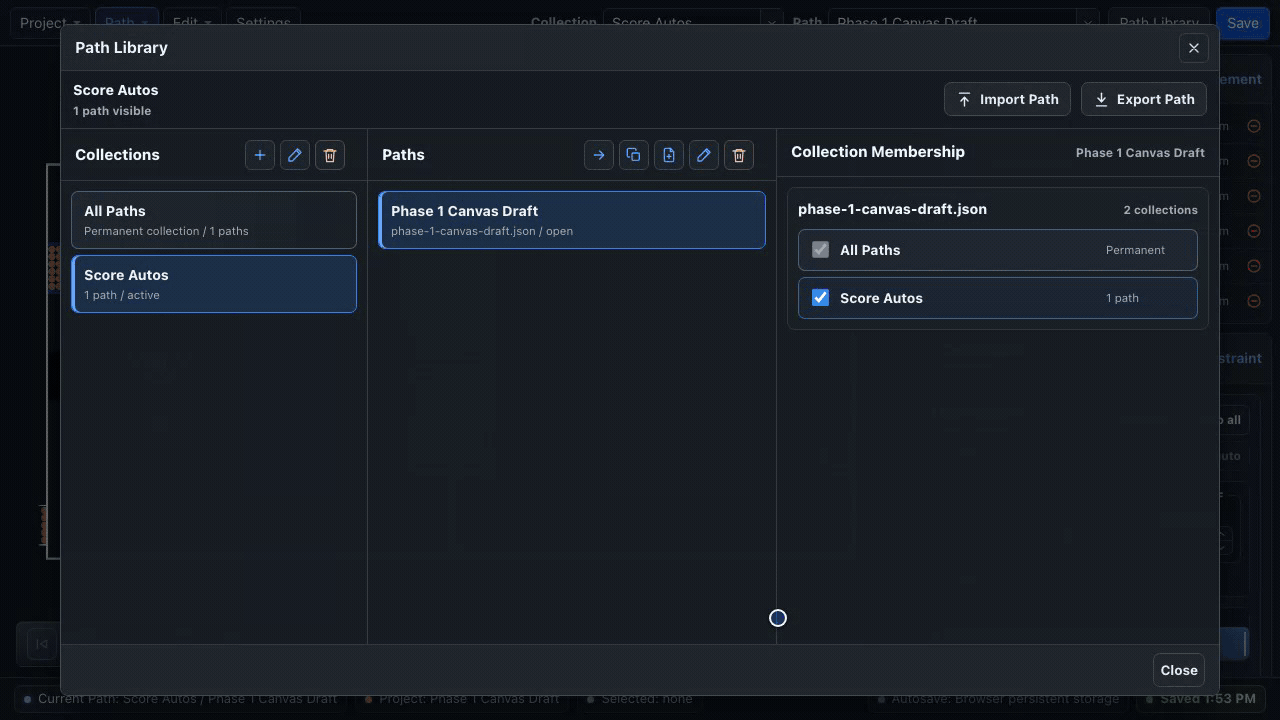
Open Path Library from the toolbar or Path menu. The dialog has three working areas:
- Collections — choose, create, rename, or delete a group.
- Paths in selected collection — open, duplicate, or delete a path.
- Collection membership — add the selected path to one or more collections.
Collection overlays
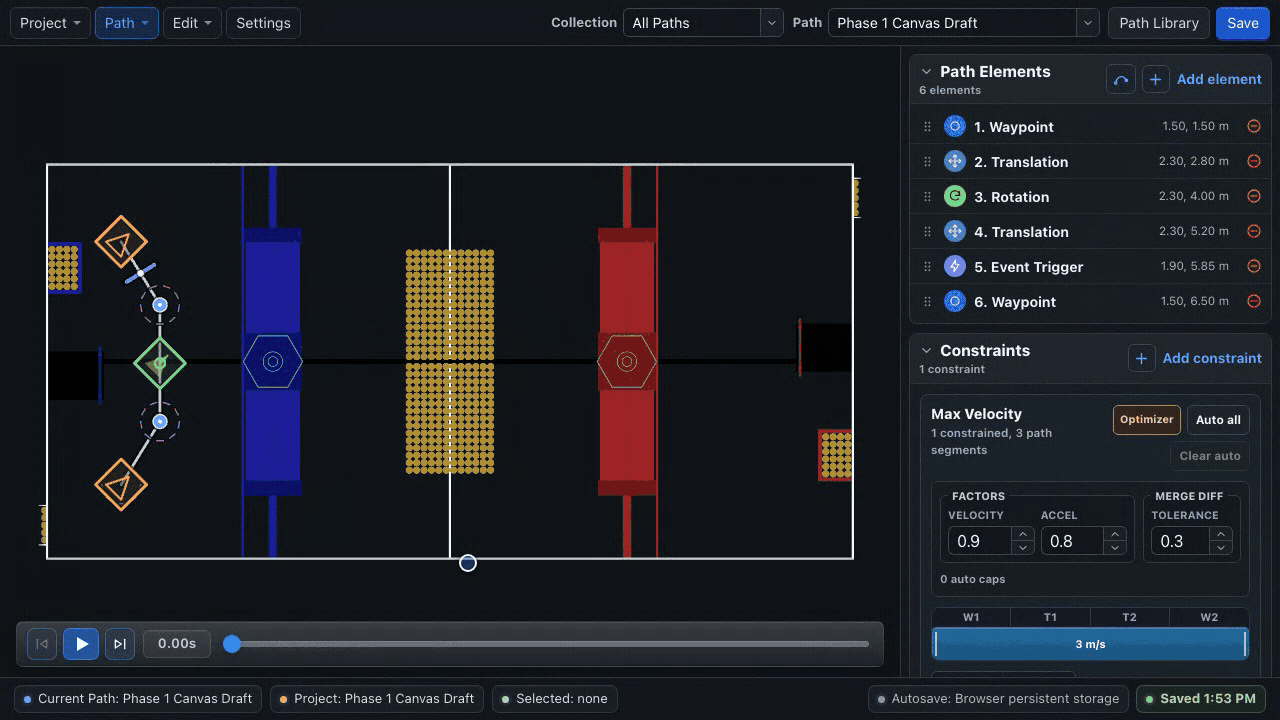
When a collection is selected, its other paths appear as muted outlines on the field. Hover an outline to identify it; click it to switch the active path. This is useful for checking shared starts, handoffs, and crowded autonomous routes without merging them into one path.
Save and autosave
The lower-right status reports the storage target and state:
- Browser persistent storage or direct folder access;
- autosave pending/saving;
- saved time;
- Project changed on disk; or
- an error.
Autosave waits while a canvas drag is active, then writes after the interaction. Ctrl/Cmd + S or Save forces a save of the current workspace.
Save is not always deploy
Browser Save updates browser storage. It does not write into the robot repository. Use Export Autos Folder for that transfer.
Project changed on disk
If the stored project changes outside the editor while you have unsaved edits, autosave pauses, the status reads Project changed on disk, and a dialog titled The project changed on disk opens. On desktop this usually means git, a GradleRIO deploy, or file sync rewrote the project folder; in the browser it usually means another tab edited the same project.
Your unsaved edits are kept until you choose. The dialog summarizes what differs between your version and the stored copy — paths only in your version, paths only on disk, paths changed on both sides, and whether project settings or linked targets differ — so you can see what each option would replace.
| Action | Result |
|---|---|
| Reload from disk | Discards your unsaved edits and reopens the stored version. |
| Keep my changes | Overwrites the stored version with your unsaved edits. |
Autosave resumes after either choice. If the summary reports no differences, the files were rewritten with matching content and either option is safe.
Undo and redo
Ctrl/Cmd + Z and redo cover path geometry, properties, constraints, collection membership, and other content edits. Selecting a row does not create a history entry.
After a destructive library edit, verify the active path and collection before continuing; undo can restore content, but it is easier to catch a mistaken deletion immediately.
Project data versus runtime data
| Data | Used by BLine-Lib | Editor-only |
|---|---|---|
config.json kinematic defaults |
Yes | No |
paths/*.json |
Yes | No |
| Collections | No | Yes |
| Linked-element identities | No | Yes |
| Robot footprint/protrusion rendering | No | Yes |
| Custom field image and selection | No | Yes |
| Optimizer settings and automatic ranged-constraint metadata | No | Yes |
Export a project archive before major restructuring.